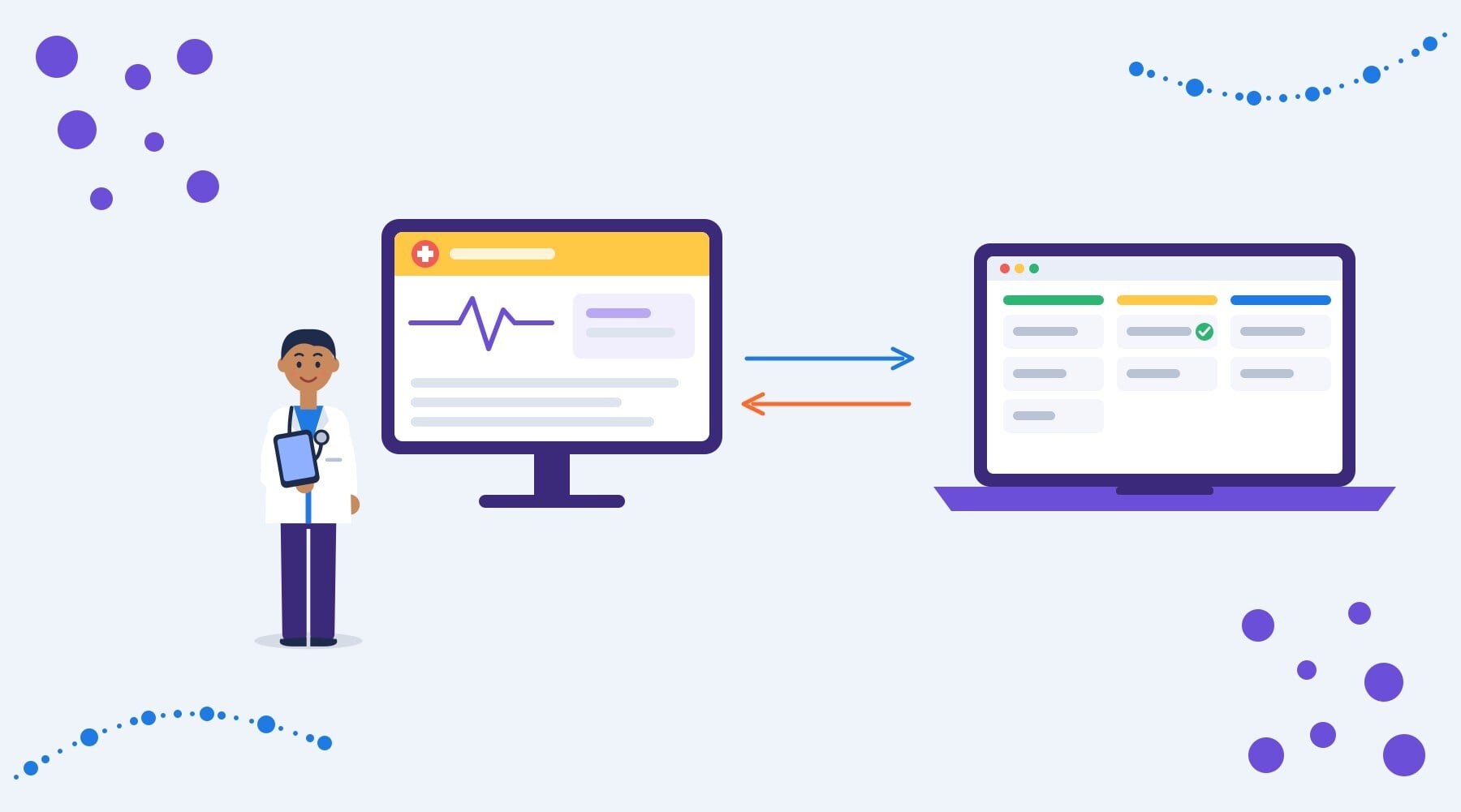
Your EHR knows when a patient books, shows up or misses an appointment. HubSpot knows where that patient came from, who referred them and what they've been sent. When the two systems don't talk, your team fills the gap with exports, spreadsheets and retyping, and your reports stop at the form fill.
So, how do you integrate an EHR with HubSpot? Decide what the integration should do, map every field and the direction it moves, pick a connection method your EHR supports, set HubSpot up to receive the data safely, then test with test records before going live. Done in that order, you get closed-loop reporting and faster follow-up without turning your CRM into a second medical record.
As a HubSpot Diamond Partner, we connect HubSpot with EHR and practice management systems for healthcare providers, treatment organizations and specialty practices. This guide walks through the steps we follow, the decisions that matter most and the mistakes we see most often.
Key takeaways
- Integrate around a few clear use cases, such as inquiry-to-appointment reporting, not "sync everything"
- Status updates like "appointment booked" usually do more for HubSpot than clinical detail, with far less risk
- Your EHR vendor's API access decides which connection methods are realistic, so check it first
- Every vendor that touches patient data needs a Business Associate Agreement (BAA), or a data processing agreement outside the US
- HubSpot sandboxes don't support Sensitive Data, so plan to test with test records and roll out in stages
What does it mean to integrate an EHR with HubSpot?
Integrating an EHR with HubSpot means connecting the two systems so specific information moves between them automatically. HubSpot stays your CRM for inquiries, referrals, follow-up and reporting. Your EHR stays the clinical record.
A good integration is narrow on purpose. It moves the handful of fields each workflow needs, in the direction it needs them, and nothing else.
Before you start: what you need in place
Check these five things before you scope anything:
- HubSpot Enterprise with Sensitive Data turned on, if any health information will reach HubSpot. That includes accepting HubSpot's BAA and confirming your data center, which can't be changed once HIPAA data is flagged.
- API access from your EHR vendor. Some vendors offer open APIs or FHIR endpoints, while others require an application, an approval process or an extra contract.
- A BAA or DPA with every vendor in the chain: HubSpot, any middleware and any partner who builds or supports the integration.
- An owner on each side: someone who knows your intake or admissions process, and your compliance or privacy lead.
- Test records that look like real patients but aren't.
If your portal isn't ready for Sensitive Data yet, start with a HIPAA compliant HubSpot setup.
How to integrate an EHR with HubSpot in 8 steps
Step 1: Define what the integration should do
Start with two or three outcomes, not a list of fields. For example:
- Report on which campaigns and referral partners lead to booked and completed appointments
- Create a follow-up task within an hour of a no-show
- Send new inquiry details to the EHR so intake doesn't retype them
Each outcome tells you which events matter (a new inquiry, a booked appointment, a missed visit) and which system should act on them.
Step 2: Map every field and the direction it moves
List each field, where it starts, where it goes and why it's needed. A simple map might look like this:
- HubSpot to EHR: first and last name, phone, email, referral source, communication preferences
- EHR to HubSpot: appointment status, location, service line, first visit date
- Stays in the EHR: diagnoses, clinical notes, medications, lab results, insurance member IDs
If you can't name the workflow or report a field supports, leave it out. Your compliance lead should sign off on this map before anything is built.
For treatment and behavioral health organizations, even a status like "admitted" can reveal a condition. Store it as Sensitive Data and check it against your consent rules, including 42 CFR Part 2 in the US.
Step 3: Check what your EHR supports
Ask your EHR vendor these questions before choosing a method:
- Do you offer an API, FHIR endpoints or HL7 feeds, and which data do they expose?
- Is there an approval process, fee or separate contract for API access?
- Do you have a supported HubSpot connector or a certified integration partner?
- Can you send events in real time (such as webhooks), or only on a schedule?
- Will you sign a BAA covering the integration?
The answers often decide the method for you.
Step 4: Choose a connection method
There are four common ways to connect an EHR with HubSpot:
- Native or marketplace connector: the fastest route when one exists for your EHR. Check exactly which fields it syncs, whether you can limit them and whether the vendor signs a BAA.
- Healthcare middleware: integration platforms built for healthcare that sign a BAA, map fields between systems and log every sync. A good fit for small and mid-sized organizations without developers.
- Custom API or FHIR integration: a direct connection built by a developer. More control over what syncs and when, but more to build and maintain.
- HL7 through an integration engine: common with hospital and enterprise EHRs that already share data this way. The engine translates HL7 messages into updates HubSpot can use.
General automation tools are only an option for patient data if the vendor signs a BAA that covers your use. Many don't, so check before connecting anything.
Step 5: Prepare HubSpot to receive the data
Set HubSpot up before the first record syncs:
- Create new Sensitive Data properties for any health information. Existing properties can't be converted.
- Add a unique ID property, such as an EHR patient or account ID, to match records reliably.
- Give the integration only the access it needs. HubSpot apps need specific Sensitive Data scopes to read or write those properties, and Highly Sensitive Data needs additional scopes.
- Plan your workflows around Sensitive Data limits. Workflows can filter and branch on sensitive properties, but their values can't appear in emails or personalization tokens.
- Check field-level permissions, so only the teams who need synced health information can see it.
Step 6: Build record matching and error handling
Most integration problems come from matching, not from the connection itself:
- Don't match on email alone. Families and caregivers often share an address. Use the unique ID first.
- Decide which system wins when the same field is updated in both places.
- Handle failures without exposing patient data. Error alerts should include a record ID, not a name and appointment type.
- Retry safely, so a failed sync doesn't create duplicates when it runs again.
Step 7: Test with test records
HubSpot sandboxes don't support Sensitive Data, so test your logic with realistic test records first. Then roll out in stages, for example one location or one service line, and compare a sample of records in both systems before expanding.
Step 8: Launch, document and monitor
Document what syncs, in which direction, how often and who owns each part. Train your team on what they'll see in HubSpot and what still lives in the EHR. Watch sync logs closely for the first few weeks, then review the field map at least once a year or whenever a workflow changes.
Example: an inquiry-to-appointment integration
Here's what a typical setup looks like for a multi-location clinic:
- A prospective patient fills out a HubSpot form. HubSpot records the source, such as a Google Ads campaign or a referring physician.
- The integration sends the contact details and referral source to the EHR, where the intake team books an appointment.
- The EHR sends back "appointment booked" and the location. HubSpot updates the contact and stops the inquiry follow-up sequence.
- After the visit, the EHR sends "completed" or "no-show". A no-show creates a task for the front desk.
- HubSpot reports show inquiries, booked appointments and completed visits by campaign and referral partner.
No diagnosis, note or treatment detail ever reaches HubSpot, and the team still gets the reporting they've been missing. We cover the follow-up side in our guide to healthcare marketing automation in HubSpot.
Common mistakes when integrating an EHR with HubSpot
- Syncing the whole record because it's easier than deciding what's needed
- Using a tool that won't sign a BAA for any step that touches patient data
- Matching records on email only, which merges family members
- Putting patient details in task names, notifications or error alerts
- Building before the data center is confirmed, since it can't move once HIPAA data is flagged
- Skipping a staged rollout, so problems show up across every location at once
Already have an integration running? These are the first things we check in a HubSpot HIPAA audit.
What about privacy laws outside the US?
The same steps apply under PHIPA and PIPEDA in Canada, GDPR in Europe and the Cayman Data Protection Act. The main differences are the agreement, usually a data processing agreement instead of a BAA, and where data is hosted. Check that both HubSpot's data center and any middleware are hosted where your obligations require. For more detail, read our guide: Is HubSpot HIPAA Compliant?
Should you build it yourself or work with a partner?
If your EHR has a supported connector and you only need a few status fields, your team may be able to set it up with the vendor's help. Custom API, FHIR or HL7 builds, multi-location rollouts and anything involving behavioral health data are where an experienced partner saves time and risk.
We plan, build and monitor HubSpot EHR integrations for healthcare teams, starting with the data map and a signed BAA or DPA.
CTA: Plan your integration
Frequently asked questions
Can I connect my EHR to HubSpot without a developer?
Sometimes. If your EHR has a supported HubSpot connector, or you use healthcare middleware that signs a BAA, you can often set up a basic status sync without custom code. Custom API, FHIR and HL7 integrations need a developer.
Can I use Zapier to connect our EHR to HubSpot?
Only for data that isn't protected health information, unless the vendor signs a BAA that covers your use. Zapier has publicly stated that it doesn't sign BAAs, so check its current terms before sending any patient data through it, or use healthcare middleware that does.
What's the difference between HL7 and FHIR?
Both are standards for exchanging healthcare data. HL7 version 2 sends messages, such as an appointment update, and is common in hospital systems. FHIR is a newer, web-based API standard that many modern EHRs support. Which one you use depends on what your EHR offers.
Should patient data go into HubSpot at all?
Only what your workflows and reports need. Many organizations sync contact details and status updates, such as "appointment booked", and keep all clinical information in the EHR. Any health information that does reach HubSpot belongs in Sensitive Data properties.
How do we stop duplicate contacts when we integrate?
Match records on a unique ID from your EHR, not just email, since families and caregivers often share an address. Decide which system wins when both update the same field, and make sure failed syncs can retry without creating new records.
What should we ask our EHR vendor before integrating?
Ask whether they offer an API, FHIR endpoints or HL7 feeds, which data those expose, whether access needs approval or an extra contract, whether events can be sent in real time, and whether they'll sign a BAA for the integration.