Answers to the questions we hear most from healthcare teams planning a HubSpot EHR integration.
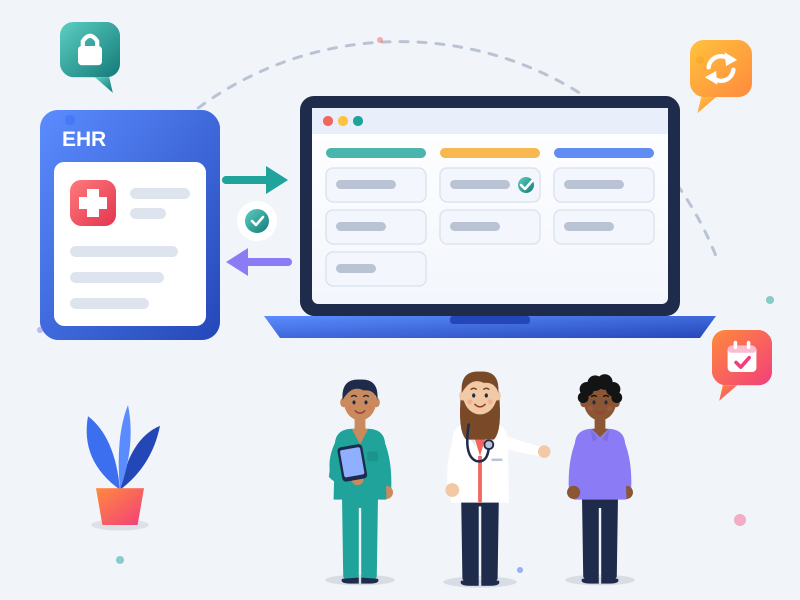

A HubSpot EHR integration syncs status updates, like "appointment booked", so your team can follow up without retyping data

Clinical records stay in your EHR, and HubSpot only gets the fields each workflow needs

Connections use your EHR's API, an HL7 or FHIR feed, or HIPAA-ready middleware covered by a BAA

We map every field and sync direction before building, then test with test records and document the setup
What Does a HubSpot EHR Integration Do?
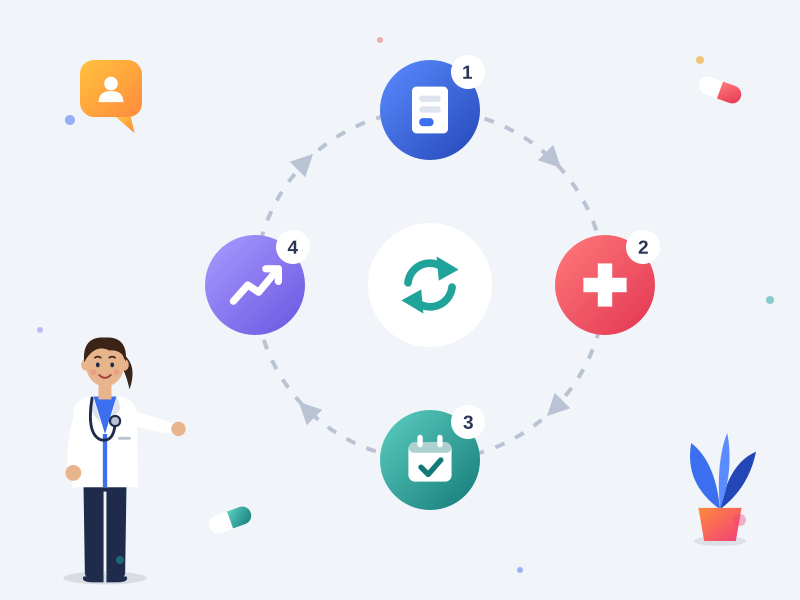
A HubSpot EHR integration connects HubSpot CRM with your electronic health record or practice management system, so key moments in the patient journey move between them automatically. HubSpot handles inquiries, referrals, follow-up and reporting. Your EHR stays the clinical record.
A typical flow looks like this:
-
A new inquiry or referral is captured in HubSpot through a form, call or referral partner.
-
The details your intake team needs are sent to the EHR, so nobody retypes them.
-
When an appointment is booked, completed or missed, that status comes back to HubSpot.
-
HubSpot workflows follow up, update the referral source and report on which campaigns and partners lead to booked appointments.
Without the integration, these steps rely on exports, spreadsheets and staff remembering to update two systems.
What Data Should Sync Between Your EHR and HubSpot?
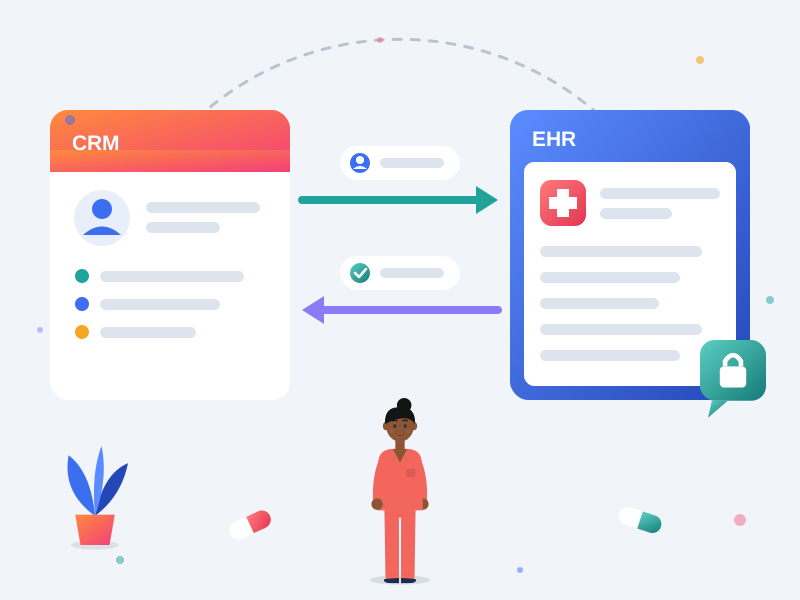
Only the data each workflow needs, moving in the direction it's needed. We decide this field by field before anything is built.
From HubSpot to your EHR
-
New inquiry and referral contact details
-
Referral source and referring partner
-
Communication and consent preferences
From your EHR to HubSpot
-
Appointment or admission status, such as "booked", "completed" or "no-show"
-
Location, provider or service line
-
Key dates, such as first visit or discharge
Never synced to HubSpot
-
Diagnoses, clinical notes and treatment plans
-
Medications, lab results and imaging
-
Insurance member IDs and full medical record numbers, unless there's a clear reason to store a reference
Why status updates beat clinical detail: a status is enough to trigger the right follow-up and reporting, and it keeps far less patient data in your CRM. For treatment and behavioral health organizations, even a status can reveal a condition, so it's stored as Sensitive Data and handled under your consent rules, including 42 CFR Part 2 in the US.
Which EHR and Practice Management Systems Can Connect to HubSpot?
Most EHR and practice management systems can connect to HubSpot if they offer an API, an HL7 or FHIR feed, or a supported middleware connector. That includes widely used systems such as Epic, Oracle Health (Cerner), athenahealth, eClinicalWorks and AdvancedMD, as well as specialty and behavioral health platforms. What's possible depends on your vendor's API access and your contract, so we confirm it before scoping.
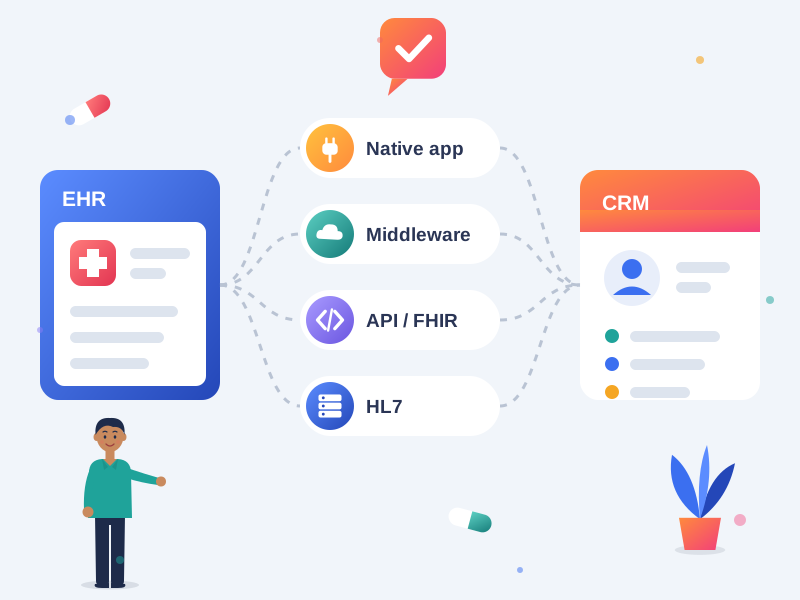
We recommend the connection method that fits your systems and budget:
- Native or marketplace apps: the fastest option when your EHR offers a supported HubSpot connector with the right data and agreements
- HIPAA-ready middleware: integration platforms built for healthcare that sign a BAA and handle field mapping, logging and retries
- Direct API or FHIR integration: a custom connection for more control over what syncs and when
- HL7 interfaces: for hospital and enterprise EHRs that share data through an integration engine
General automation tools aren't suitable for patient data unless the vendor signs a BAA that covers it. We check that before recommending any tool.
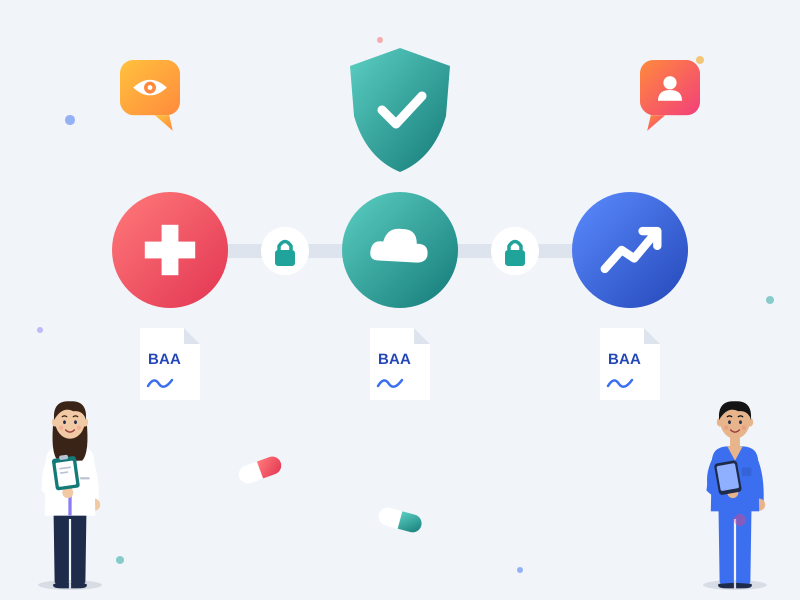
How Do You Keep a HubSpot EHR Integration HIPAA Compliant?
By limiting what moves, who can see it and which vendors touch it. Every integration we build includes:
-
Agreements across the chain: a BAA (US) or data processing agreement (other regions) with HubSpot, any middleware provider and us
-
The minimum data needed: only the fields agreed in the data map, with clinical records left in the EHR
-
Sensitive Data properties: any health information that reaches HubSpot lands in protected properties, not standard fields
-
Limited app access: the integration only gets the permissions it needs, through a dedicated app or service account
-
No patient details in alerts: workflow emails, notifications, task titles and error messages are written without health information
-
Data residency: HubSpot and middleware hosting chosen to match HIPAA, PHIPA, PIPEDA, GDPR or Cayman Data Protection Act requirements
Your HubSpot portal needs Enterprise and Sensitive Data turned on before any health information syncs. If that isn't in place yet, start with our HIPAA compliant HubSpot setup. For the background on what HubSpot covers, read our guide: Is HubSpot HIPAA Compliant?

What Can Your Team Do Once Your EHR Is Connected?
- See which campaigns lead to appointments: report on inquiries, booked appointments and completed visits by source, not just form fills
- Follow up on no-shows and cancellations: create tasks or send reminders as soon as the status changes
- Speed up intake: send inquiry details to the EHR so your team doesn't retype them
- Keep referral partners informed: track which partners send patients who book, and update their records automatically
- Route inquiries faster: assign new inquiries by location, provider or service line
- Re-engage past patients: send recall and reminder messages, within your consent and marketing rules
These workflows build on your existing healthcare marketing automation in HubSpot.

Who Needs a HubSpot EHR Integration?
-
- Healthcare providers and multi-location clinics that want to see which inquiries turn into booked appointments
- Treatment and behavioral health organizations running admissions pipelines in HubSpot, with stricter consent rules and 42 CFR Part 2 in the US
- Specialty, aesthetics and wellness practices connecting a practice management system to HubSpot marketing
- Organizations outside the US working under PHIPA, PIPEDA, GDPR or the Cayman Data Protection Act, where a DPA and data residency matter more than a BAA
Learn more about our HubSpot for healthcare services.
HubSpot EHR Integration FAQs
Which EHRs can HubSpot integrate with?
HubSpot can connect with most EHR and practice management systems that offer an API, an HL7 or FHIR feed, or a supported middleware connector, including Epic, Oracle Health (Cerner), athenahealth, eClinicalWorks and AdvancedMD. What's possible depends on your EHR vendor's API access and your contract, so we confirm it before scoping.
Should a HubSpot EHR integration be one-way or two-way?
It depends on the field. New inquiries and contact details usually flow from HubSpot to the EHR, while appointment or admission status flows back. Clinical detail shouldn't flow to HubSpot at all.
Do we need HubSpot Enterprise for an EHR integration?
In most cases, yes. If any health information will reach HubSpot, it has to be stored with Sensitive Data, which is only available on Enterprise. Even contact details can count as PHI once they're linked to your care, so we review your data map before recommending a subscription.
Does every tool in the integration need a BAA?
Any vendor that creates, receives, stores or transmits protected health information on your behalf needs a Business Associate Agreement, or a data processing agreement outside the US. That includes HubSpot, any middleware provider and us.
Can HubSpot workflows use data from our EHR?
Yes. Once a status like "appointment booked" reaches HubSpot, workflows can use it to enroll contacts, branch, create tasks and update reports. If the status is stored as Sensitive Data, workflows can still filter and branch on it, but its value can't appear in emails or personalization tokens.
How long does a HubSpot EHR integration take?
Integrations using a native app or middleware often take a few weeks. Custom API, FHIR or HL7 builds take longer, mostly depending on your EHR vendor's access process. We confirm the timeline after discovery.
What happens if the integration fails or sends the wrong data?
We build error handling and alerts that don't expose patient details, match records to avoid duplicates, and document how to pause a sync. We also monitor the first weeks after launch.
Do you build EHR integrations for organizations outside the US?
Yes. The same approach works under PHIPA and PIPEDA in Canada, GDPR in Europe and the Cayman Data Protection Act, with a data processing agreement in place of a BAA and hosting chosen to meet data residency requirements.